
This article will explain how to block products in a result modification.
Scenario
You only want to display coats that cost more than £50 (and block coats that are less than £50)
Steps
- Log into the Merchandising Studio.
- Select a name for your result modification and select the scope you wish it to be displayed in.
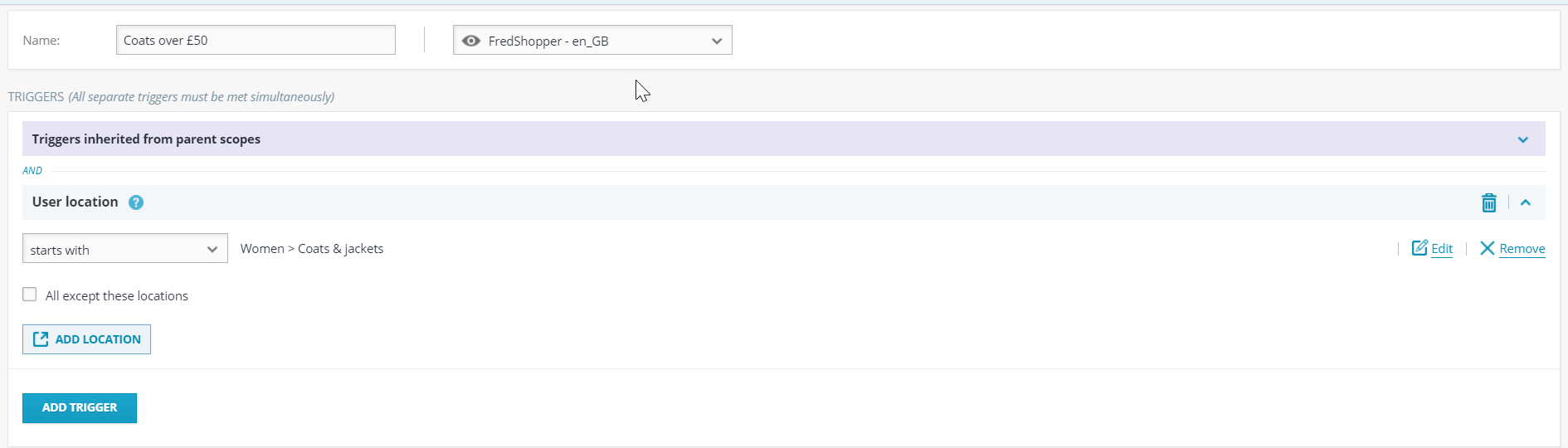
- Add any triggers. In this example, I have added the trigger of user location to start with "Women's > > Coats & Jackets".
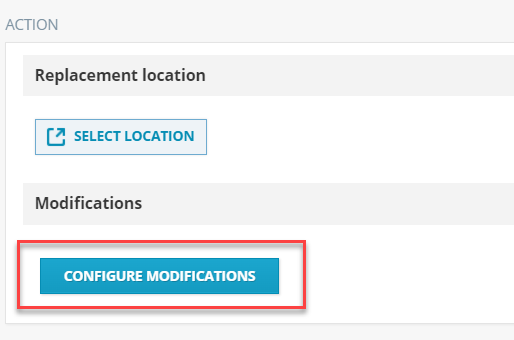
- Then select the configure modifications button.
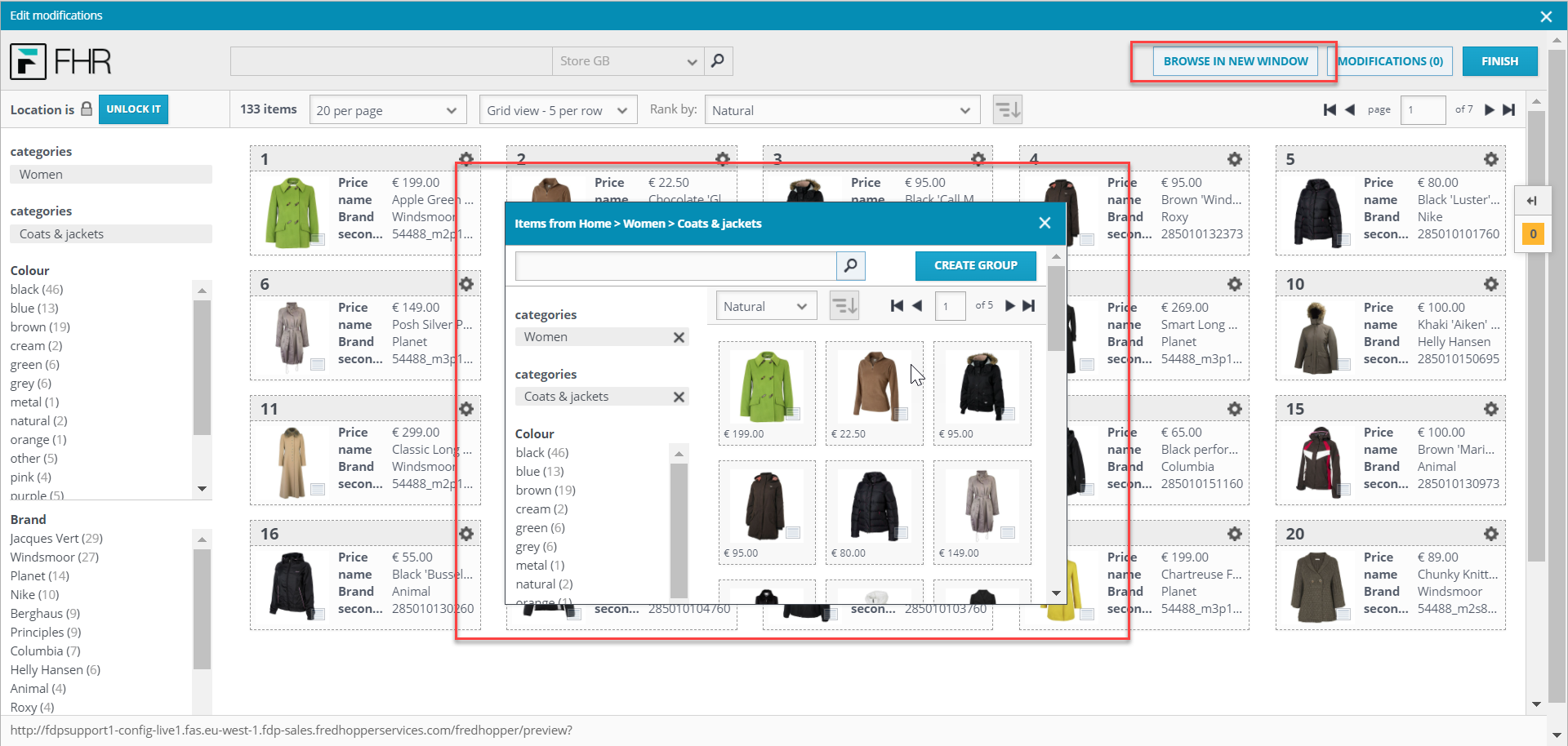
- Once the modifications window pops up, select browse in new window.
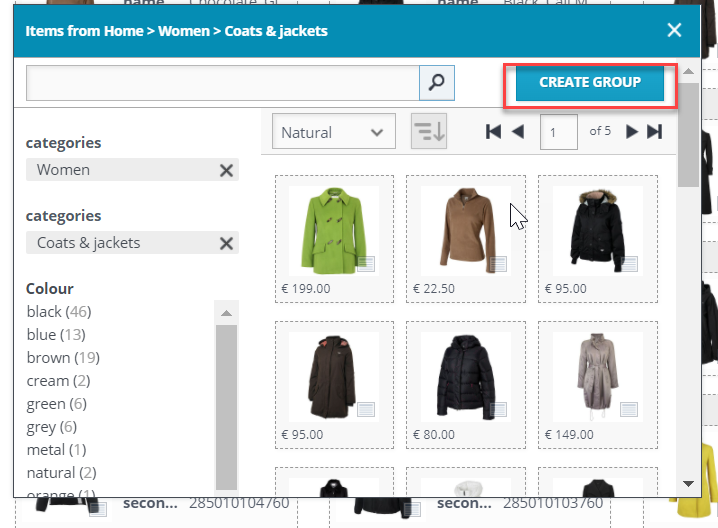
- In the new window, select the create group button.
- A new window will appear. If you select the add button, the following field should appear.
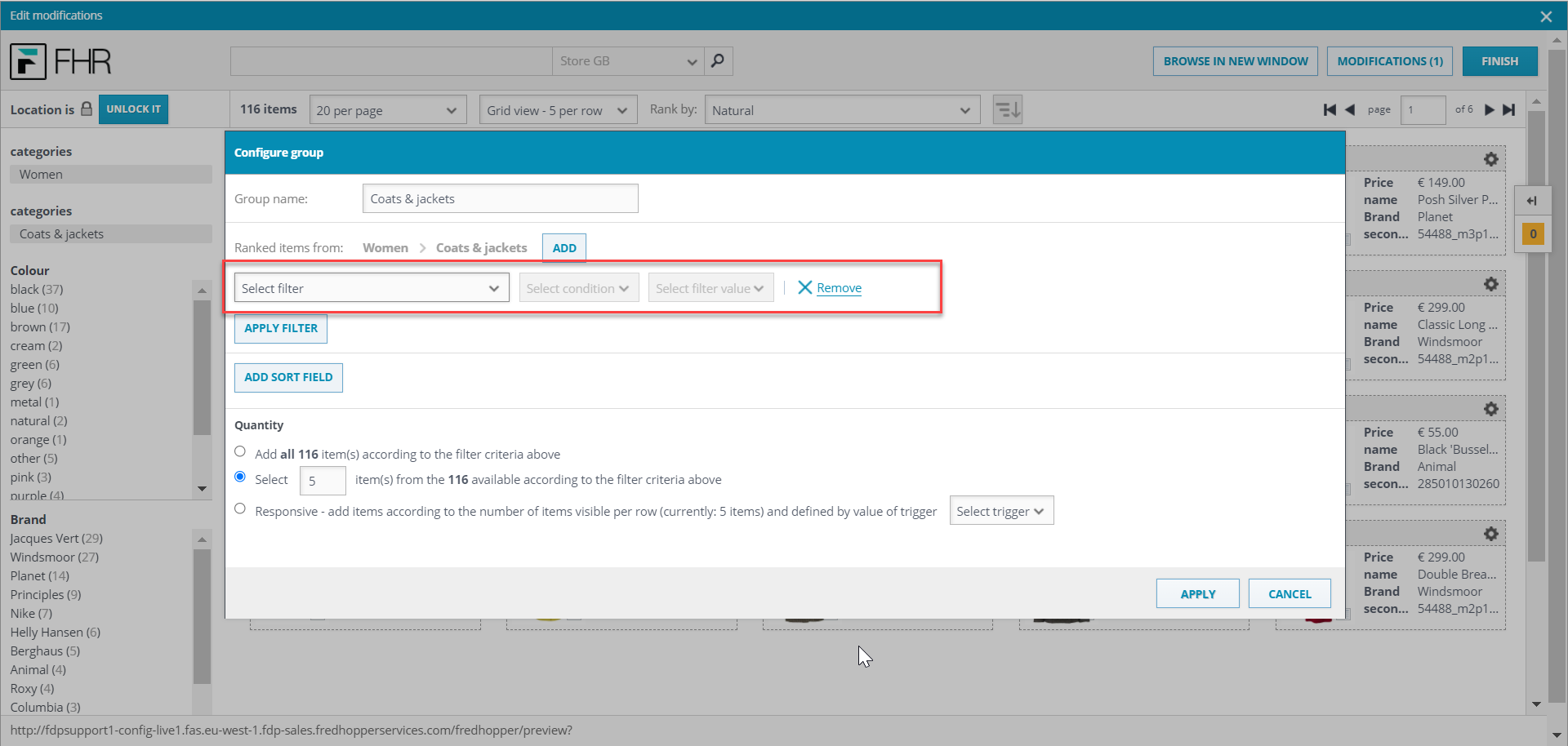
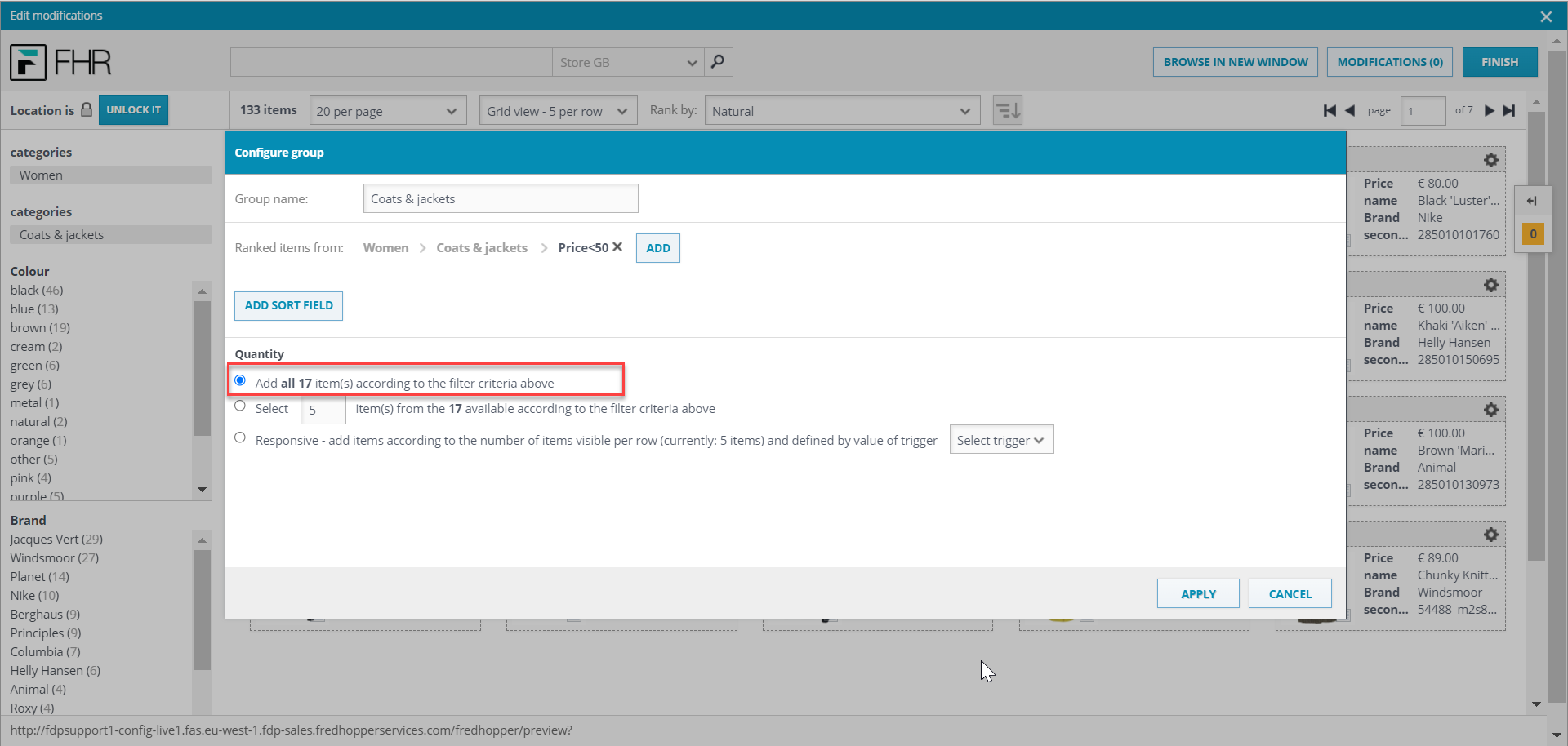
- Select the appropriate filter, condition and value and select apply. In this example, I have chosen "price" and set the condition to "is less than" 50.
- Select the first option with all for quantity and select apply.
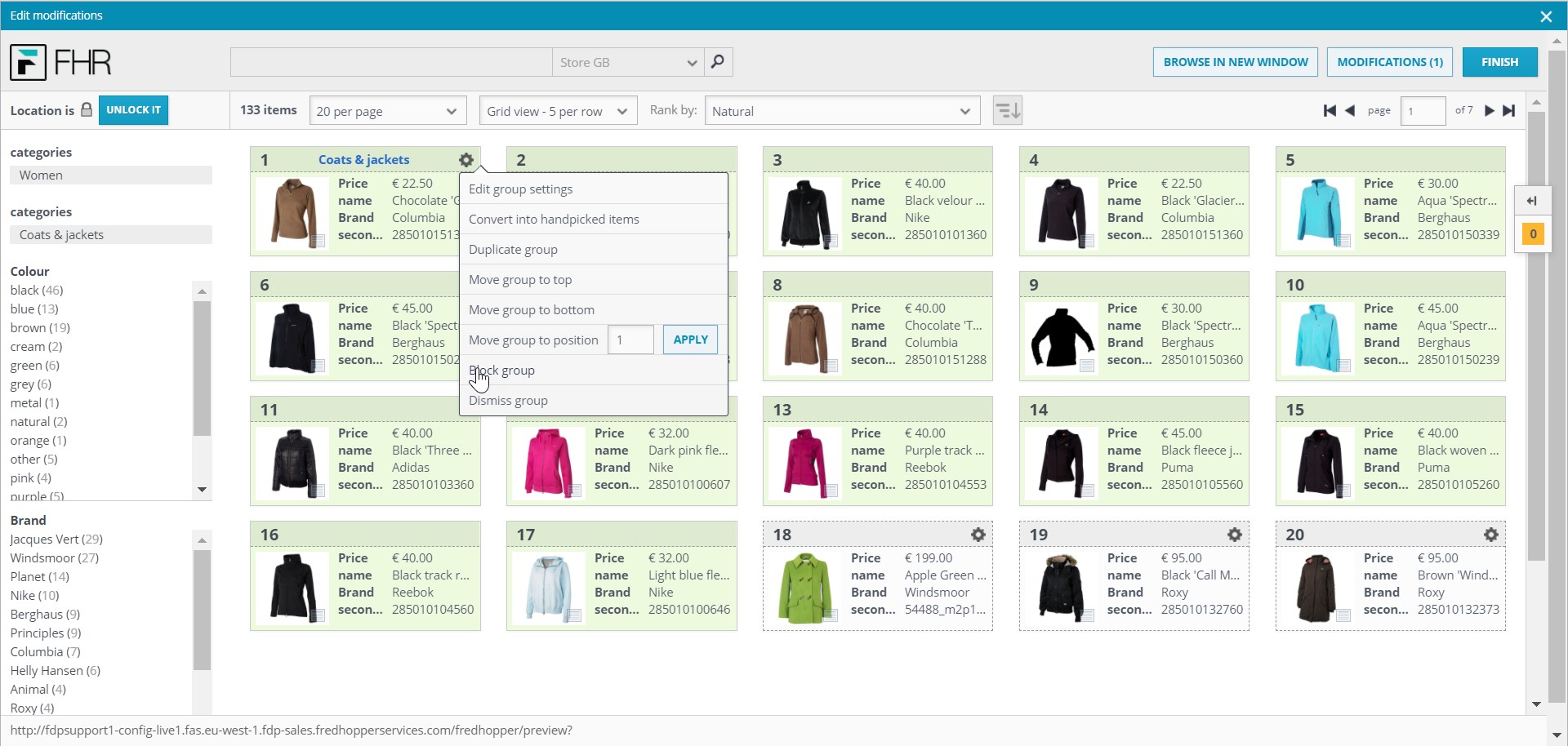
- Then close the small window and block the group.
- Click finish and then save your modification.
Comments
0 comments
Please sign in to leave a comment.