
This article will show you how to delete or deactivate a result modification when there is an invalid location error.
Scenario
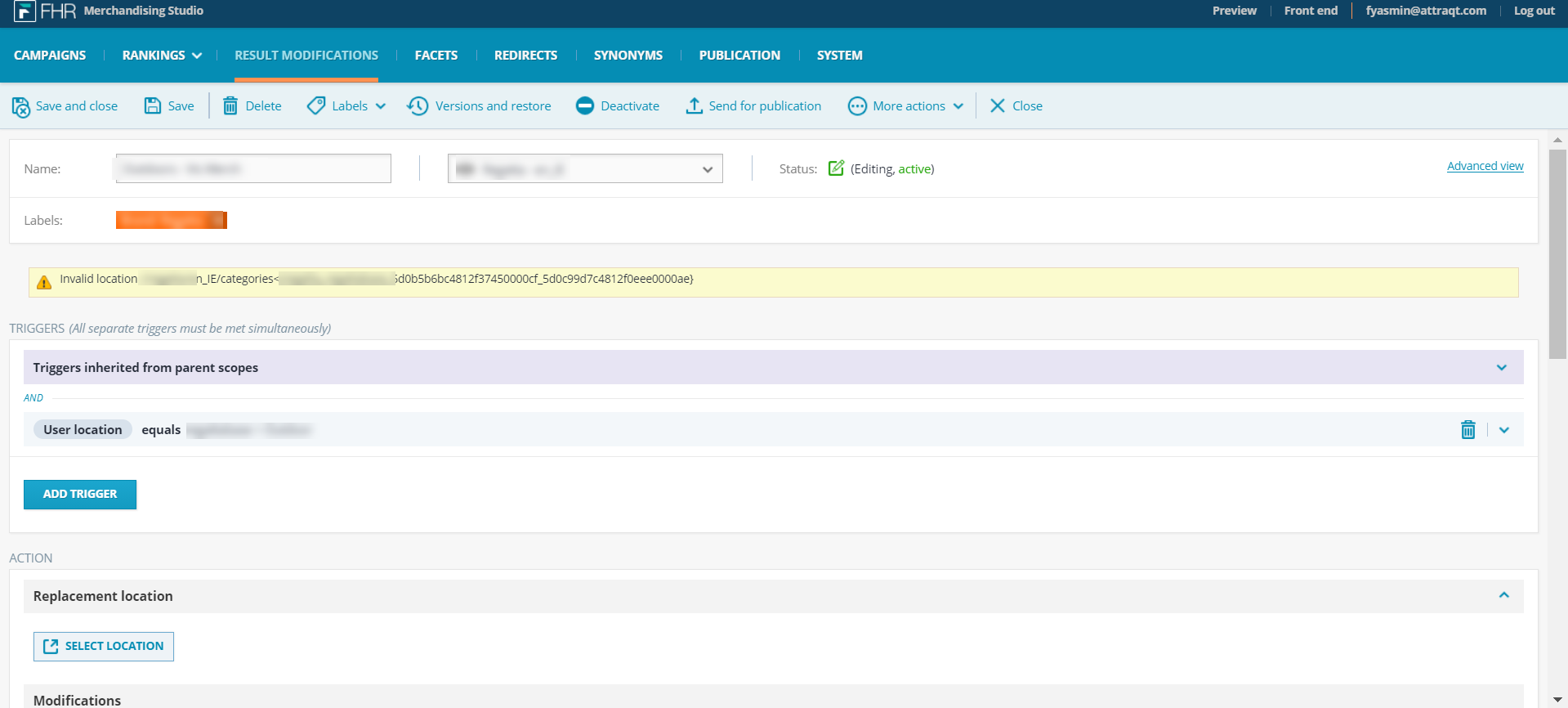
A result modification needs to be deactivated from the Merchandising studio, however, it is not possible to publish the changes because of an invalid location error. This error usually means that one or more of the modifications done in this Result Modification is no longer valid because of the item not being present in the catalog anymore.
Steps
- Log into the Merchandising Studio
- Go to the Results Modification tab and open the Result Modification:
- If you are unsure of which modification is causing the error, delete the modifications that were in the Modifications section:
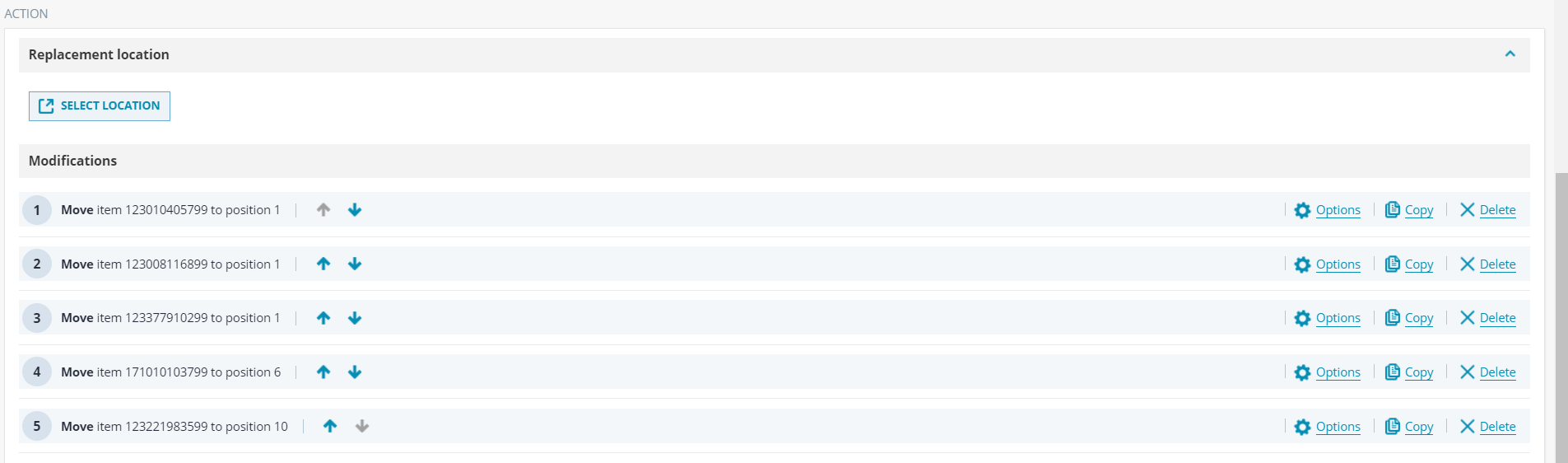
- The error message should disappear, however, you will have to add at least 1 modification to be able to save the changes.
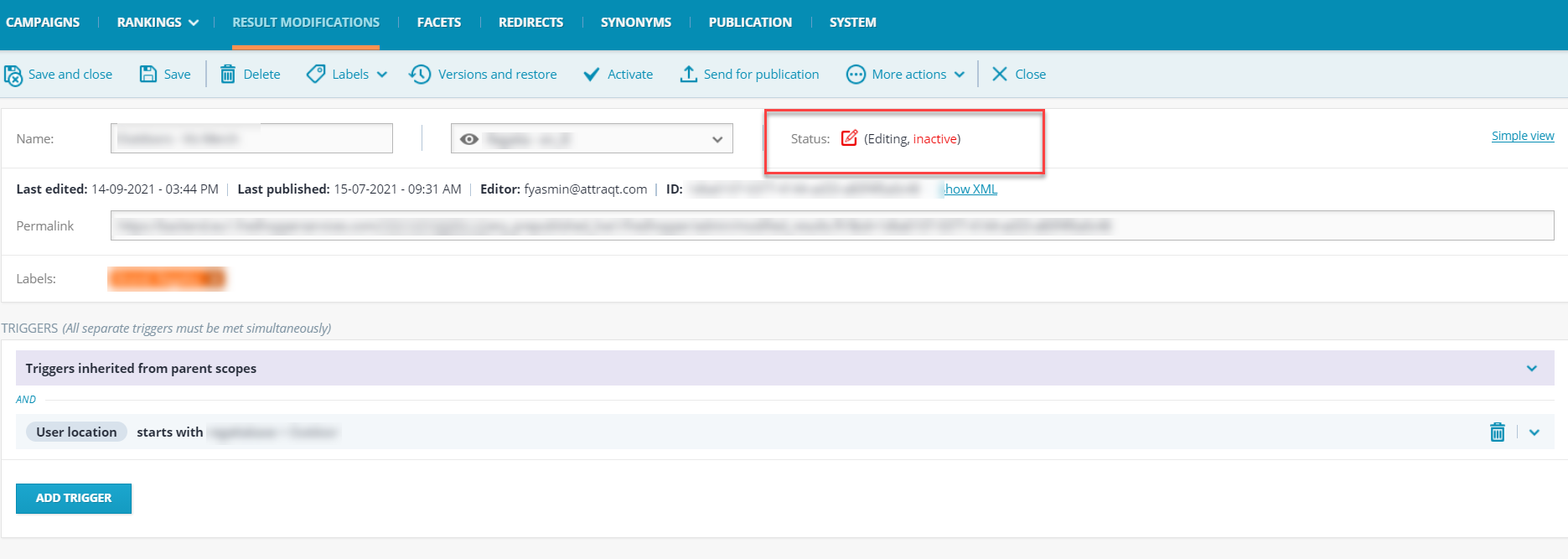
- Once you have saved the changes, you should deactivate or delete the modification as required.
- You should then send it for publication.
Comments
0 comments
Please sign in to leave a comment.