After deleting(workflow) the page in ContentCreator throws error in popup?

Author: sivaprasad9394
Publication Date: 6/16/2022 14:15
Hello Team,
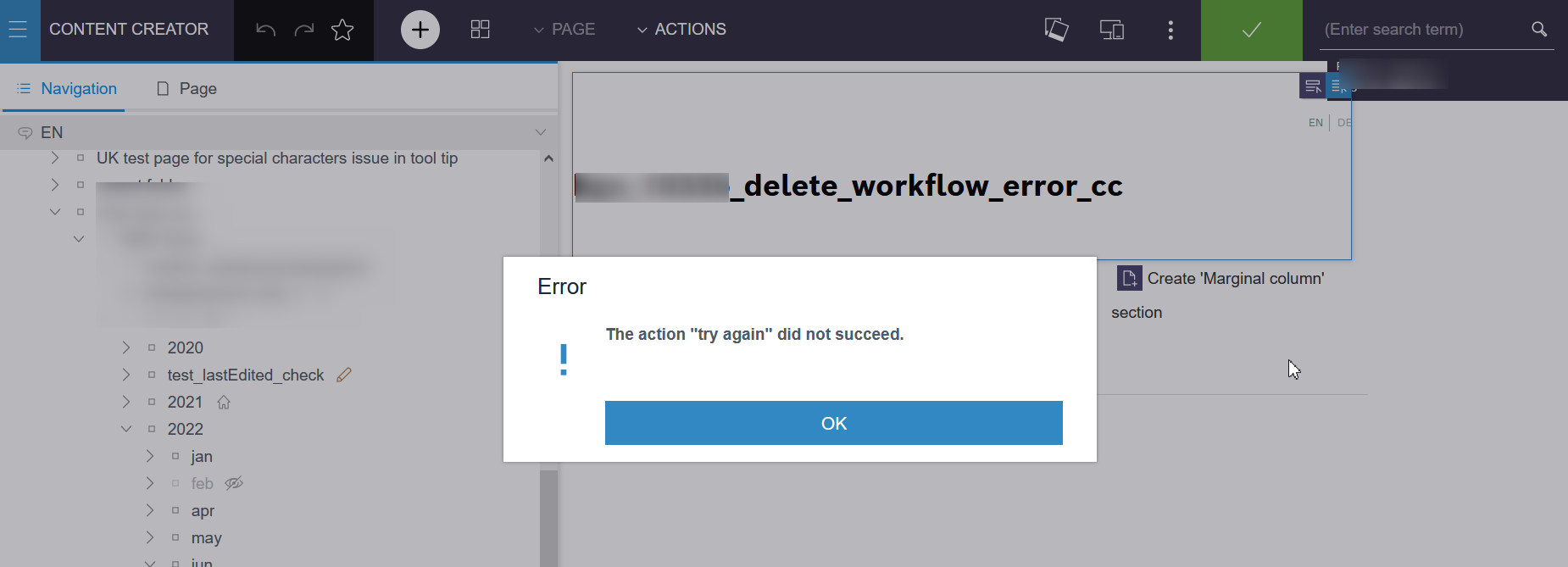
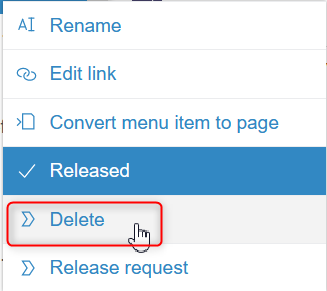
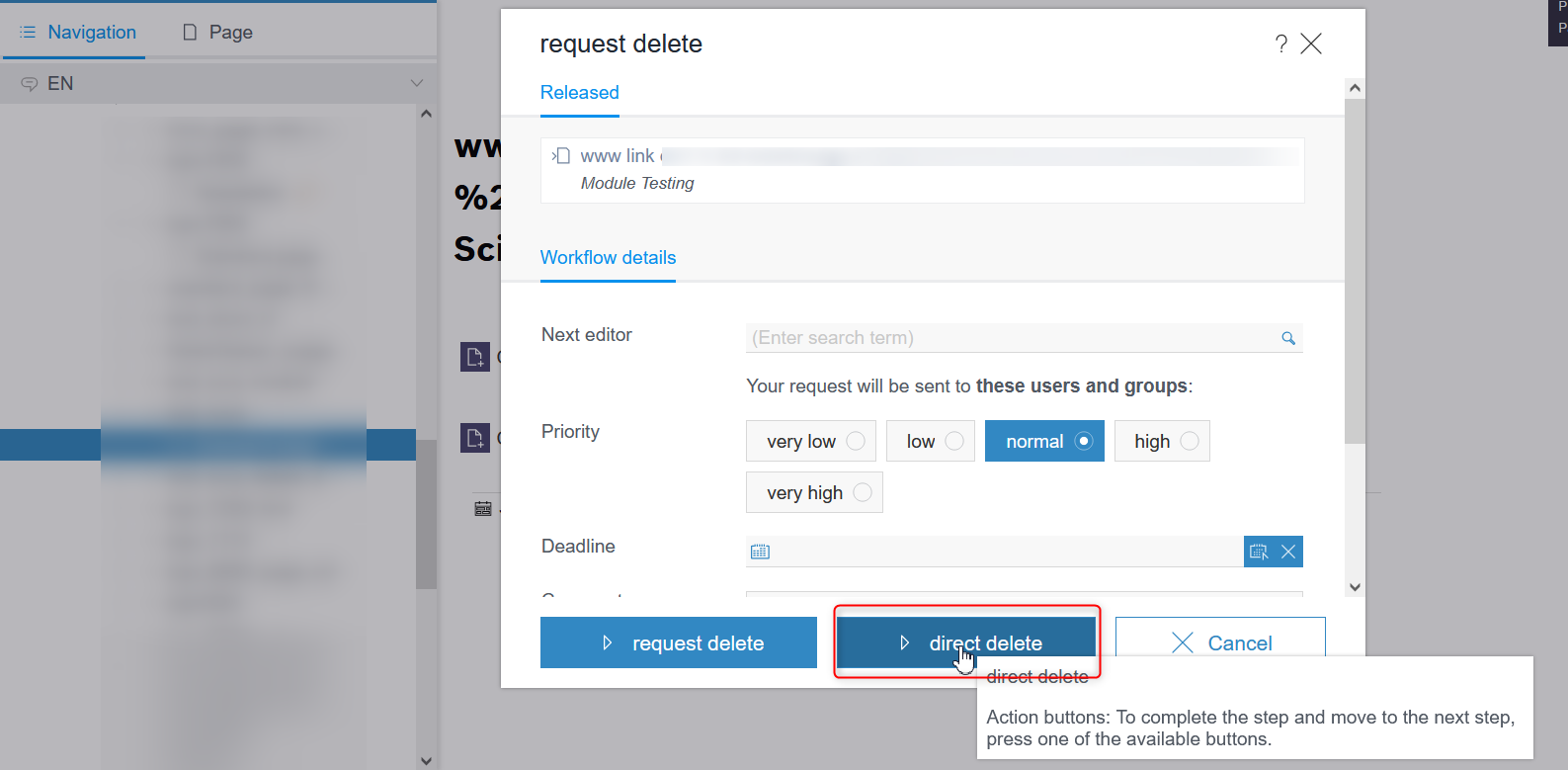
I am facing an error in contentcreator after deleting the page using workflow delete via ContentCreator.Below are the steps i have followed and facing this error i newer version of FS.(Deletion of page is completed successfully, error popup is shown in screen)
After execution i have verified the operation via Site Architect pageref and page is deleted completely.
FS Version: 5.2.220210.80235 (Newer in Development System)
1) What could be reason for the above message?
Caused by: javax.net.ssl.SSLException: hostname in certificate didn't match:
Because of the above message in log will it create a popup like "try again" message.
2) State diagram of workflow required?
Thanks and Regards,
Siva
Tags: delete, page, Page Analyzer, workflow
-
Author: Peter_Jodeleit - 6/17/2022 13:23
I'm not an expert, but I'm pretty sure the text "try again" in the message refers to an action in the workflow. And I guess that the action is referring to a custom script, which is behaving not correctly.
0 -
Author: sivaprasad9394 - 6/20/2022 11:46
Dear pjodeleit,
Thank you for your reply and time.
FS Version: 5.2.220210.80235
Properly page and pageref and its immediate folder is deleting and email is triggering properly. But finally i am getting the below popup.
Error Screen CC after deletion process:
Workflow state diagram:
Workflow properties display Logic: (to display workflow delete option only for pageref in CC)
Script:Workflow
Error is thrown when the node "object changed" is started and process "request delete M" is initiated. (While starting of the workflow process it throws error, may be after completing of the process(deleting) it comes to start place and throws error).
Why i am getting the popup error message ??What could be wrong here.
I have shared my code above. For me its properly deleting the pageref and finally i am getting the popup message.
ERROR 22.06.2022 15:46:13.692 (de.espirit.firstspirit.server.taskmanagement.TaskIterator): Error loading task: [taskId=1713101, project=6333735, revision=3055615]
What is taskId here?
Thank you.
Regards,
Siva
0
Vous devez vous connecter pour laisser un commentaire.
Commentaires
2 commentaires