export datasets in xl/csv on ContentCreator

Hi Team
I’m reaching out regarding an implementation we are working on to export dataSets(database) in CSV/XLS from ContentCreator.
What we are looking for
We would like to achieve , ideally:
- Trigger export from ContentCreator (e.g., button/action) on dataset
- geneate xl/csv file from the dataset and Automatically start the download for the user
or Provide a direct, reliable download link immediately after generation
We have implemented as actual possible approach, a server-side Beanshell script that:
- Retrieves data from datasets
- Generates an xl file with the data
- Stores the generated file in the Media Store (specific folder) so to be available for the user for download
This part is working correctly, and the file is successfully created and can be downloaded manually afterward, the script have ContentCreator scope
Limitation
The current limitation is on the user experience side , After triggering the action in ContentCreator, the user still needs to manually navigate to the Media Store to download the file
Questions
- Is there a recommended way in FirstSpirit to trigger a file download directly from ContentCreator ?
- Are there APIs or plugin already put in place in ContentCreator that we can use
- Are there best practices for exporting structured data (CSV/XLSX) in this context?
Any guidance, examples, or recommended patterns would be greatly appreciated.
Thanks in advance for your help.
-
Official comment

There are two possible solutions for your requirement:
1. As you already saved the data to a FirstSpirit media element, inside of your script just use the OperationAgent & DisplayElementOperation to display the Media inside of the ContentCreator media management, then it's only one click left to download the media element 👍OperationAgent can be retrieved via e.g.:
operationAgent = context.requireSpecialist(OperationAgent.TYPE);
======
2. When you render the csv in an own output-channel, wrap the CSV output in an html element and provide a download button with javascript creating a Blob:
<button onclick="downloadCSV()">Download CSV</button>

<script>
function downloadCSV() {
  // Replace this with however you're holding the CSV text
  const csv = document.getElementById('csvData').textContent;

  const blob = new Blob([csv], { type: 'text/csv;charset=utf-8;' });
  const url = URL.createObjectURL(blob);

  const a = document.createElement('a');
  a.href = url;
  a.download = 'data.csv';
  document.body.appendChild(a);
  a.click();
  document.body.removeChild(a);
  URL.revokeObjectURL(url);
}
</script> -
Hei Hei Grace
Thank you for the reply
Actually the issue is not the format of the file(csv/xlsx/xls) , the issue is to trigger the download once it is generated right after the script execution
For now we i did not found a way to do that , apart from the work around of saving the file in the mediaStore and then the use can download it , i believe here the download operation is done throw MediaServlet , smth that we cannot use as developer as far as i understood
of course am talking strictly about ContentCreator , in SiteArchitect , things are different0 -

Hello Hamza,
if I understand correctly ("from the dataset"), this is about outputting a specific dataset as, for example, a CSV file.
I would solve the problem as follows:
Create a new preview page (new page template, new table template, new page in the SiteStore with one dataset output per page on an undefined number of pages (defined on the data tab)).
Configure the page template with the desired file extension and only output the body area there ($CMS_VALUE(#global.page.body(""))$).
In the table template, create the corresponding textual output (CSV) using FirstSpirit template means.
On a page where the datasets are already being output anyway, offer a link — only in the preview — that links to this new page, specifically to the respective dataset.If more than one dataset is to be output, you need to take a slightly different approach. If you know in advance which datasets are needed, you can either make corresponding configurations on the data tab of the target page reference(s), or use a version of the script that you have already written and have it output the source code of the page instead of a media file (you can use $CMS_RENDER(script:"<name of script>")$. In this case you just have to somehow pass the datasets to be output to the script. This can be done, for example, by having a script fill a corresponding input component on the target page accordingly and then calling the preview page (in which another script call renders the datasets).
Disadvantage of these methods: The file name of the download file is unexpected/unusable (the extension, however, is correct if the page template was configured with the correct extension).
Another possible solution could be (since you already have a script that crates a media file): Create a preview page with a download link for the media. Enhance the script, so it modifies the FS_REFERENCE on this page, so it links to the new created media file. Call the preview page afterwards with the WE_API (https://docs.e-spirit.com/odfs/template-develo/javascript-apis/contentcreator/common-function/index.html#in_der_vorschau_navigieren)
Best regards
Holger0 -
Hello Holger,
Thank you for the reply
So for both solution i will need to create or trigger a preview page ?
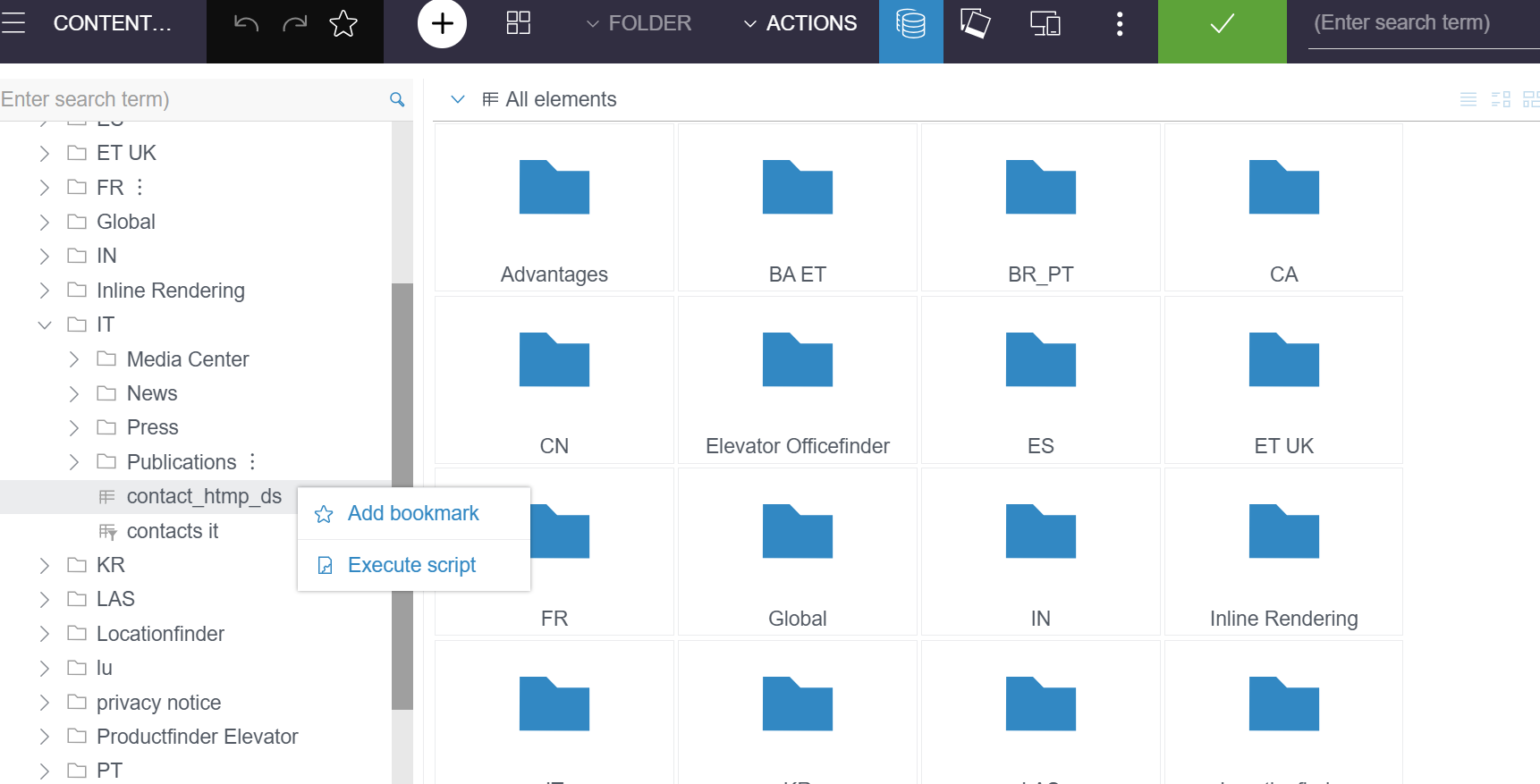
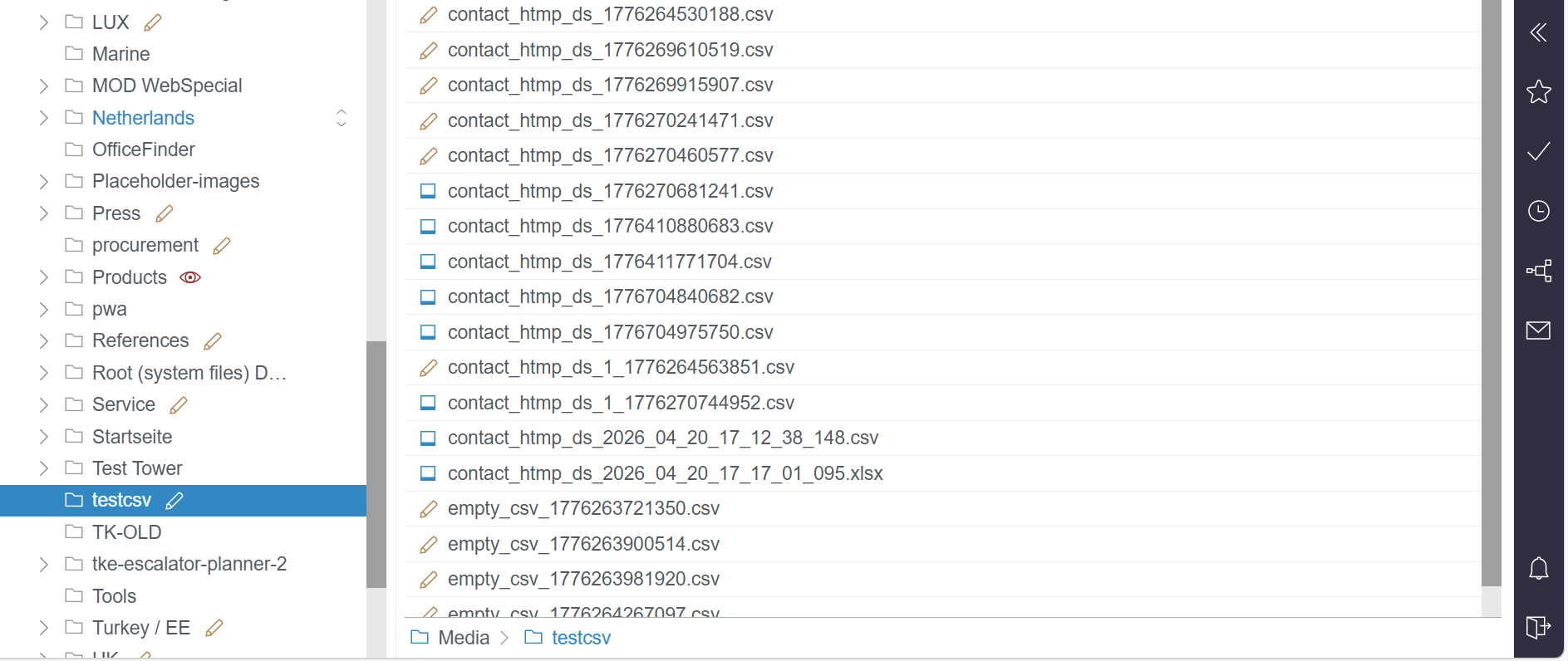
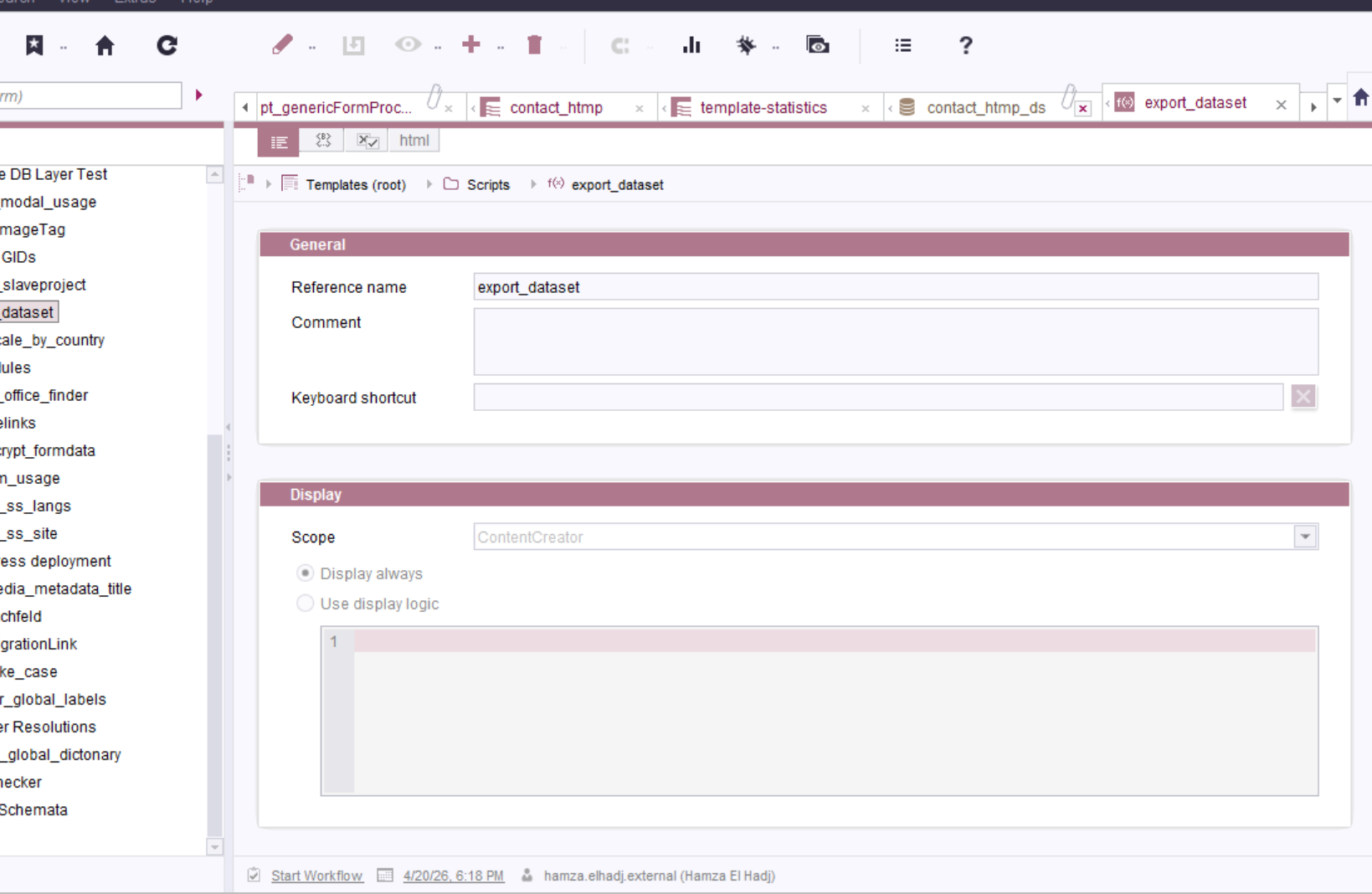
to put you more in context i will attach some screenshot of what I managed to do till now
for now since I did not find a way to launch directly the download of the file once it is generated in the memory , I create it in media store and from then the user can download it
(the perfect scenario is to be able to launch the download directly once the file is generated without the need to create it in the media or anywhere else)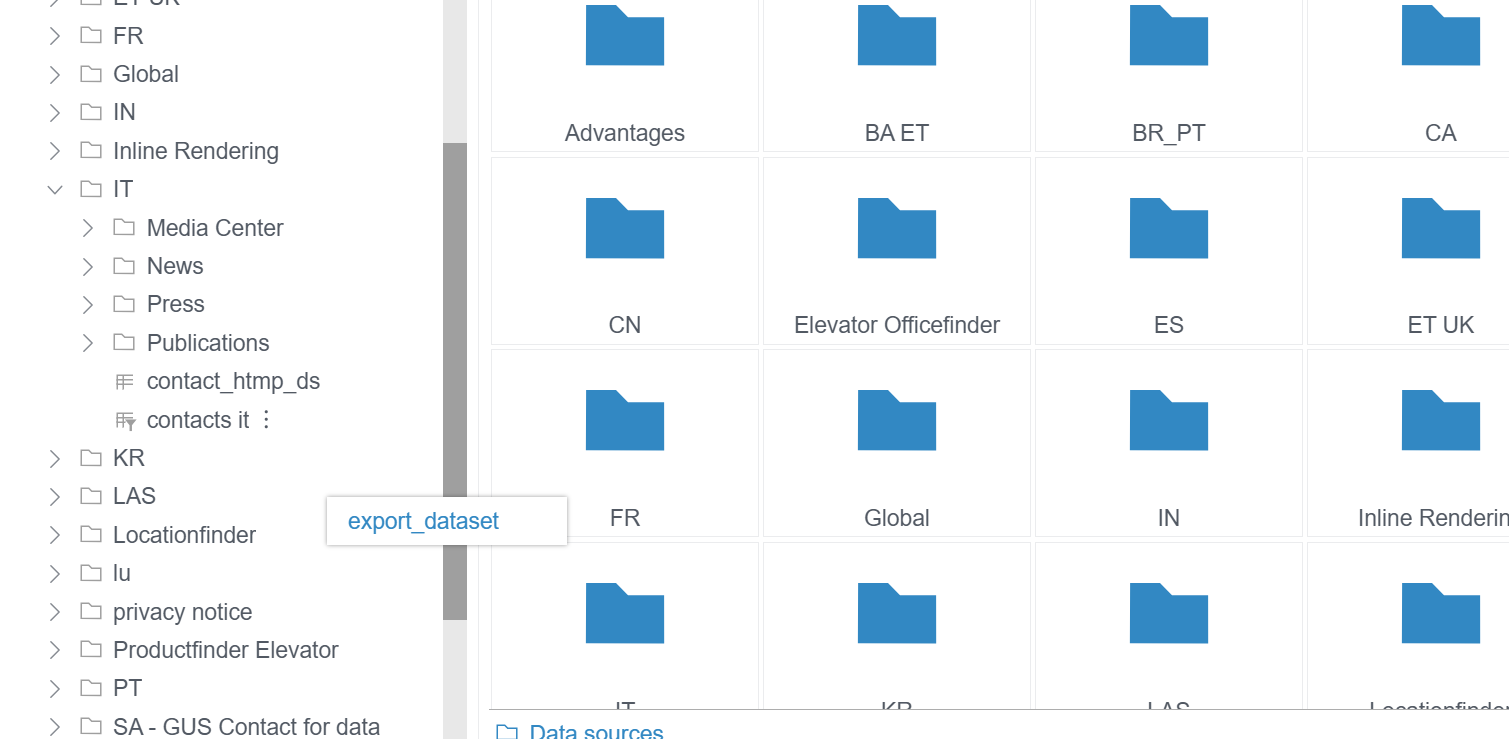
 0
0 -
Hello Hamza,
personally, I would always go through a preview page that is parameterized accordingly for outputting textual information.
Only if the information is needed permanently would I take the route via a medium.However, if you don't want to go through FirstSpirit objects, you can certainly solve the whole thing via JavaScript without any problems. A corresponding JavaScript can be invoked via ClientScriptOperation: https://docs.e-spirit.com/odfs/access/de/espirit/firstspirit/webedit/server/ClientScriptOperation.html
This approach would have several advantages:
- no unnecessary nodes in the FirstSpirit project
- the file name can be chosen meaningfullyHowever, I'm not familiar enough with JavaScript to make a sensible proposal on how to generate a download of the corresponding information with it. That's why I didn't suggest this approach initially ;)
0 -
Hello Holder
ClientScriptOperation was very helpful ,
thank you
Regards
Hamza0
Please sign in to leave a comment.
Comments
6 comments