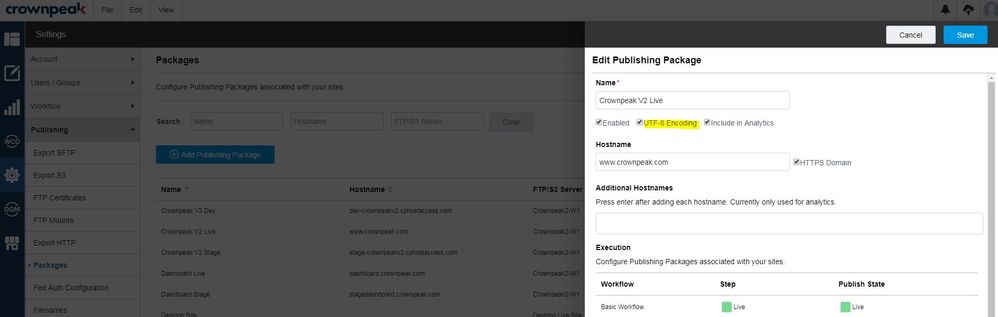
Publishing packages allow for UTF-8 encoding for published files. If you have used unicode in the asset content in the past, we previously encoded it with HTML Entities that would then make it very difficult to search for the asset, among other actions. By selecting the "UTF8 Encoding" option in the "Settings / Publishing / Packages" area, assets are no longer published with HTML Entities and and utilize UTF-8 characters instead. You may need to add a meta tag to the HTML activate this. Please note: this is per package.
UTF-8 Encoding for Publishing Packages

Comments
0 comments
Please sign in to leave a comment.