
Note: This article assumes that the Identity Provider has already been setup previously. If not, please open a support case with Crownpeak to have it setup.
In order to setup a new Fedauth user, please follow these steps:
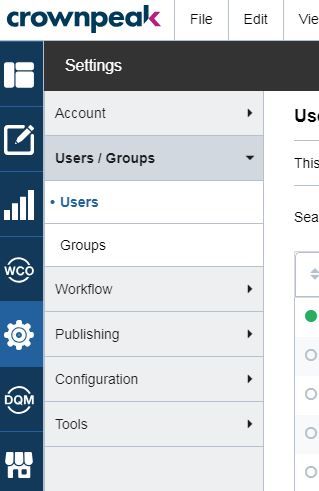
1) Go to Settings -> Users/Groups -> Users
2) Select New User

3) For the username, use a Fedauth network username
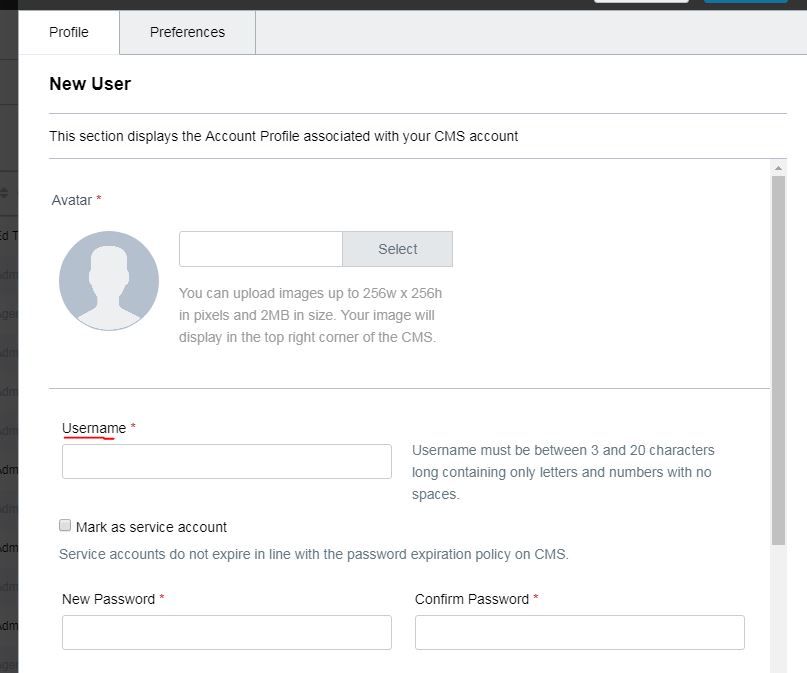
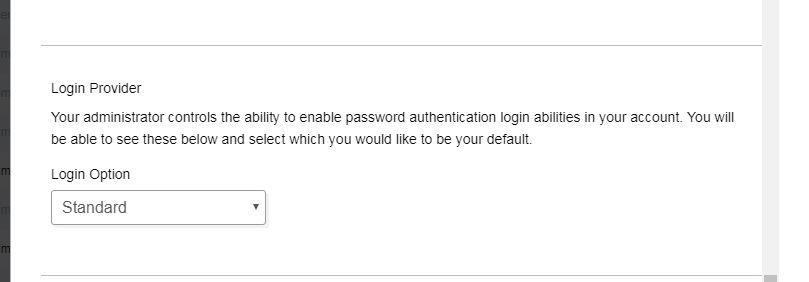
4) Select Identity Provider, it should be the one for the Fedauth network
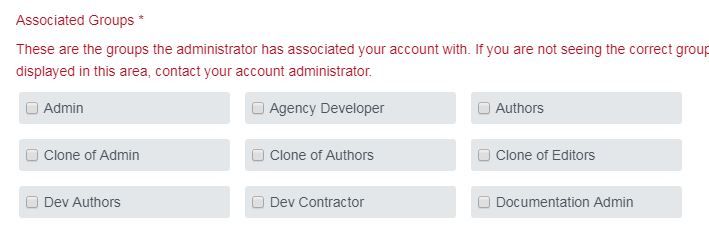
5) Add at least one group
Comments
0 comments
Please sign in to leave a comment.