
Enabling APIs for the Project
- Navigate back to the API Manager interface and select Library from the left-hand navigation.
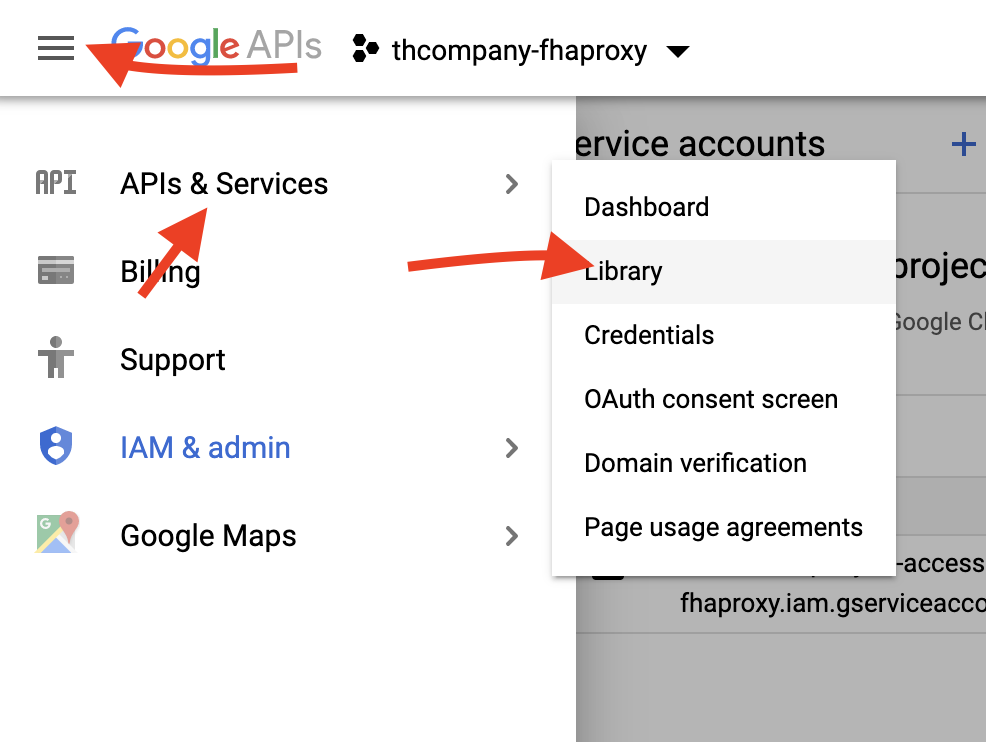
-
Search for Analytics API and select the result.
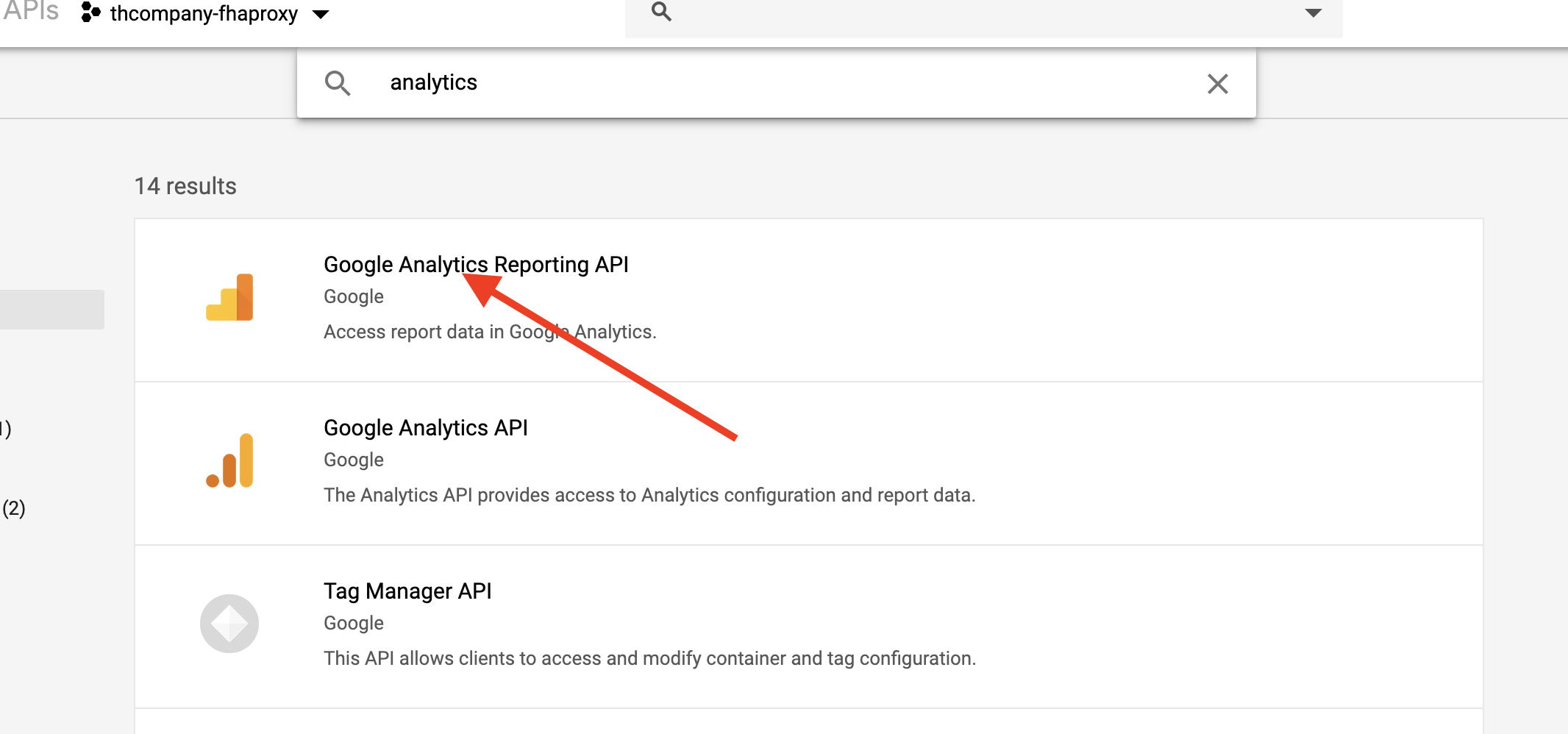
-
Click Enable.
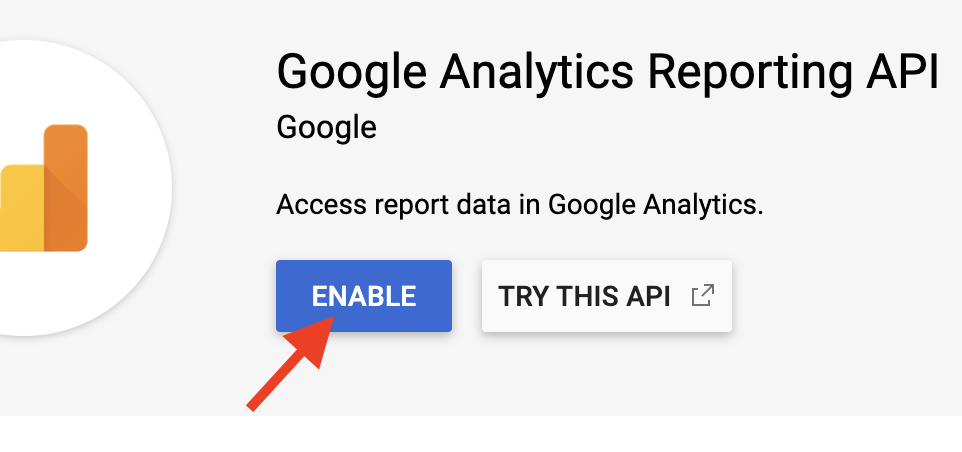
-
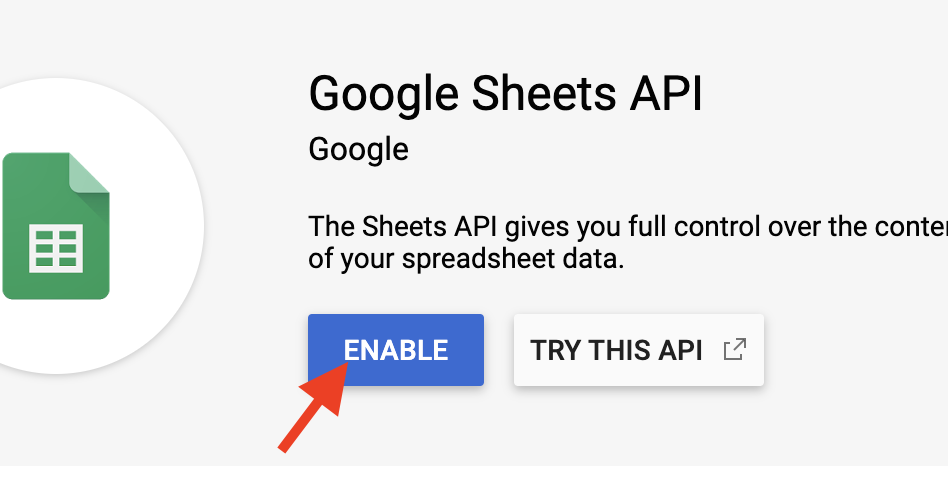
Navigate back to the API Manager Library, search for Sheets API and select the result.
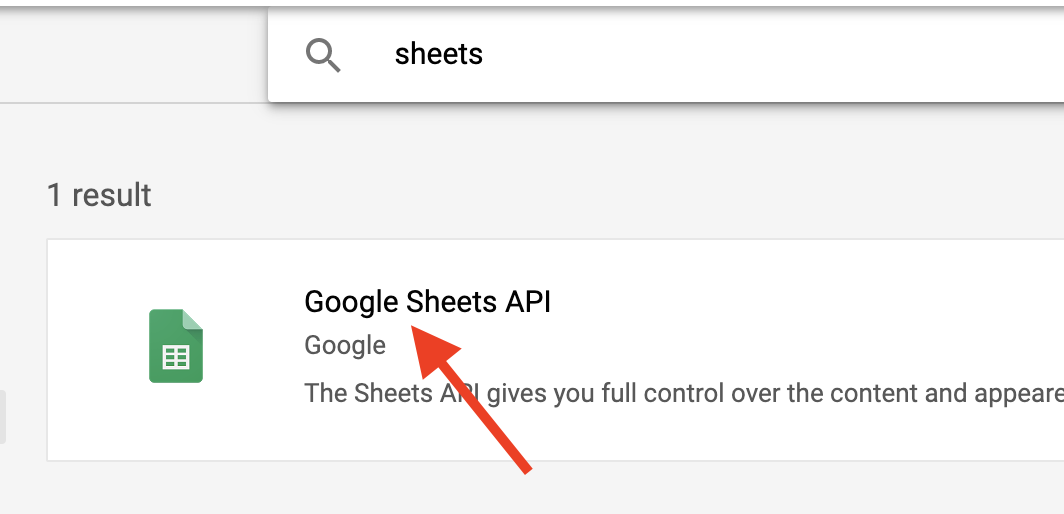
-
Click Enable.
-
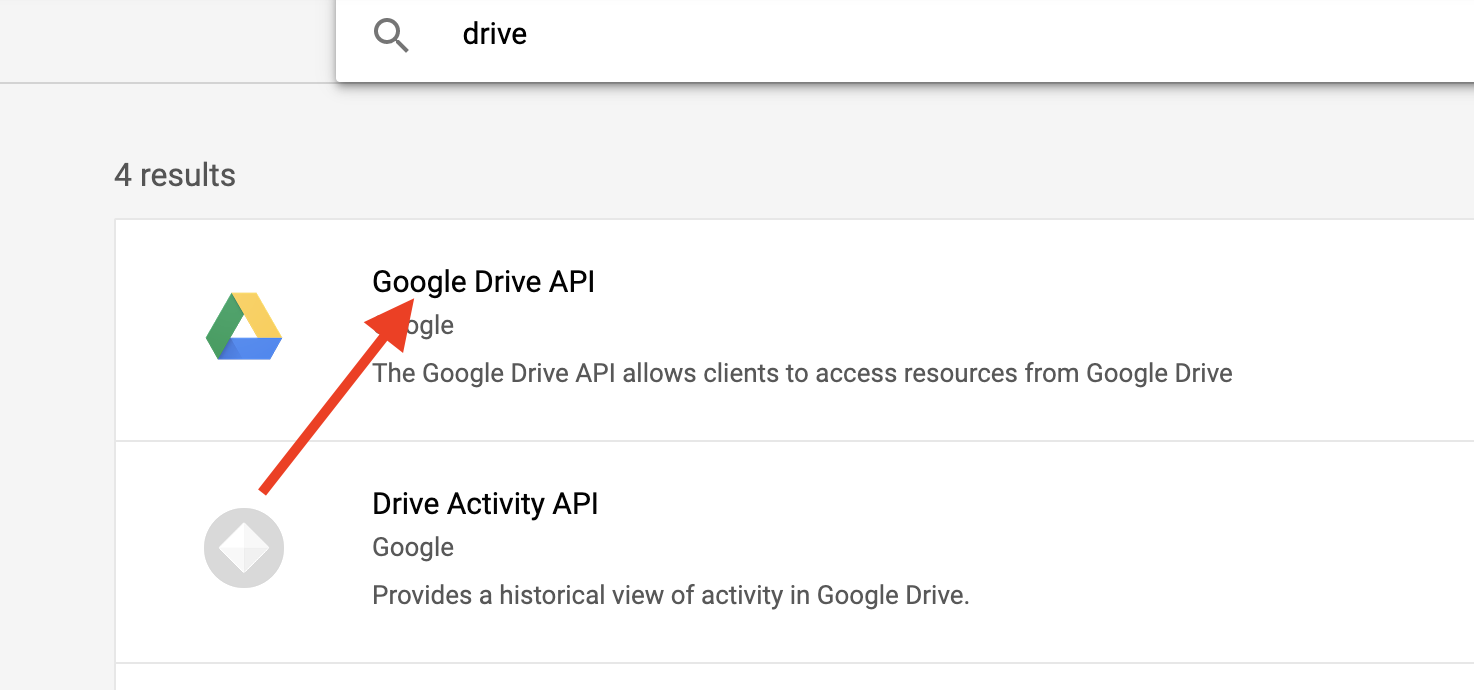
Navigate back to the API Manager Library, search for Drive API and select the result.
-
Click Enable.

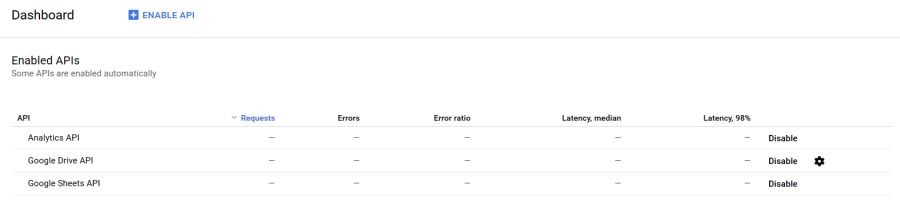
- After you enable the APIs, they will appear in the Enabled APIs section of the API Manager.
Comments
0 comments
Please sign in to leave a comment.