Script render problem on generation

Author: zava
Publication Date: 3/7/2013 10:29
Hi Community,
I have, as usual, a strange problem.
I have in template a beanshell script render
| $CMS_RENDER(script:"generate_newsletter_html", newsletterId:#row.fs_id )$ |
the beanshell script
import de.itelligence.firstspirit.opt.webapp.utils.Newsletter;
try{
newsletterId = context.getVariableValue("newsletterId");
newsletterId = String.valueOf(newsletterId);
html = de.itelligence.firstspirit.opt.webapp.utils.Newsletter.getHtml(newsletterId, context);
return html;
} catch(ex){
return ex.toString();
}
everything is working ok on javaClient preview, I got my html, the Newsletter class work correct.
The problem come when I try to send teh newsletter, I got the page without my dynamic html generated from my Newsletter class.
preview:
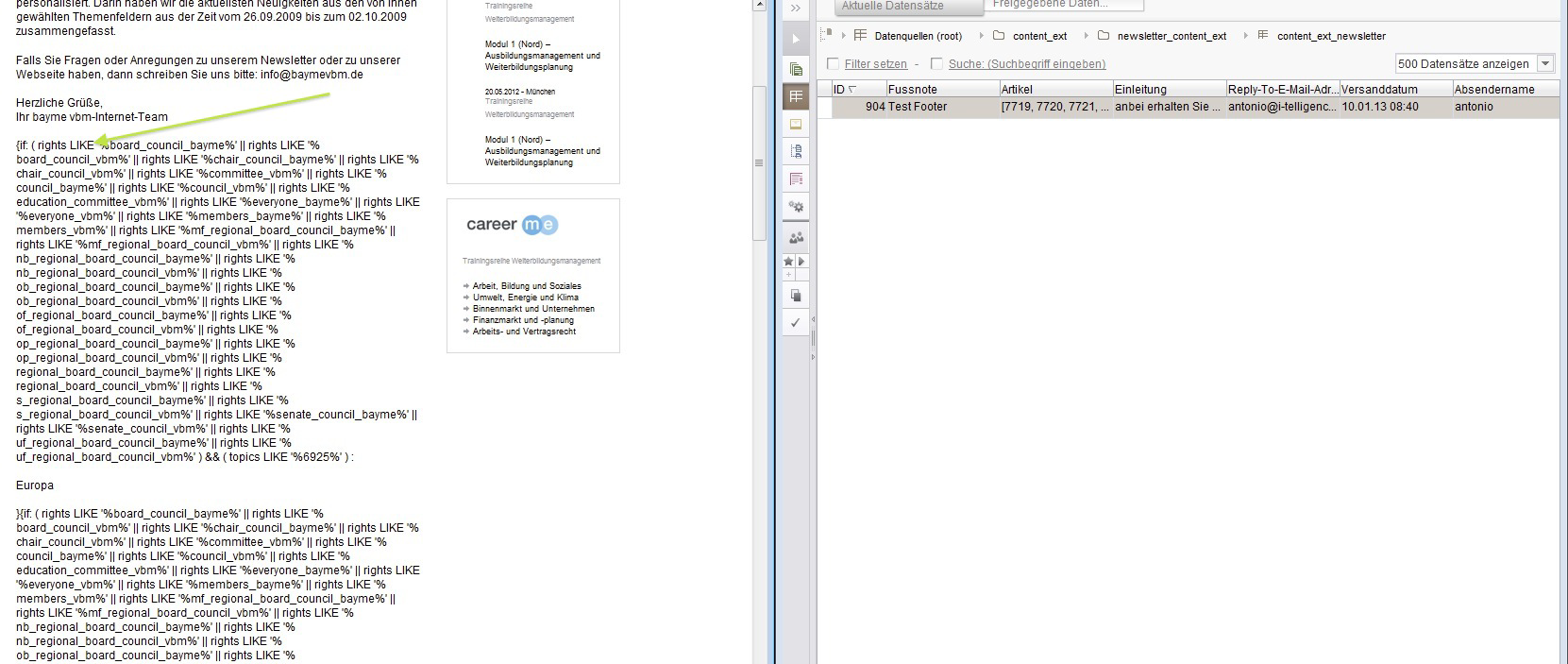
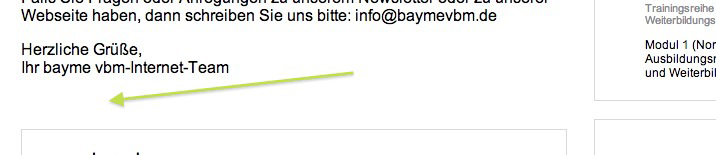
generated html, no UM code, nothing....
Newsletter class is installed on Preview, Staging, Webedit...
I think something is missing on generation, looks like the Newsletter class is not installed.
If I return in beanshell script just the newsletterId as text, I got it on my generated html.
Any idea?
Best regards,
Antonio
-
Author: Peter_Jodeleit - 3/7/2013 14:26
The jar should be made available to the generation as "normal" resource, currently it's only available as web-resource:
<module>
<name>i-telligence-Mod</name>
<version>@VERSION@</version>
<description></description>
<vendor>i-telligence UG</vendor>
<class>de.itelligence.firstspirit.opt.webapp.configuration.WebAppModule</class>
<components>
<web-app>
<name>i-telligence WebApp</name>
<description></description>
<class>de.itelligence.firstspirit.opt.webapp.configuration.WebApp</class>
<configurable>de.itelligence.firstspirit.opt.webapp.configuration.WebAppConfiguration</configurable>
<web-xml>web.xml</web-xml>
<resources>
<resource>lib/webapp-@VERSION@.jar</resource>
</resources>
<web-resources>
<resource>itelligence.tld</resource>
<resource>configuration.properties</resource>
<resource>lib/webapp-@VERSION@-webapp.jar</resource>
<resource>lib/CoordinateTool.jar</resource>
</web-resources>
</web-app>
</components>
<resources>
<resource scope="server">lib/CoordinateTool.jar</resource>
</resources>
</module>
0
Bitte melden Sie sich an, um einen Kommentar zu hinterlassen.
Kommentare
1 Kommentar