Hide CMS_INPUT_COMBOBOX (lt_id) in all Templates except Header GCA

Author: HKC1COB
Publication Date: 7/28/2022 11:35
Hello Team
In the External and Internal Link templates I have added a CMS_INPUT_COMBOBOX component (lt_id).
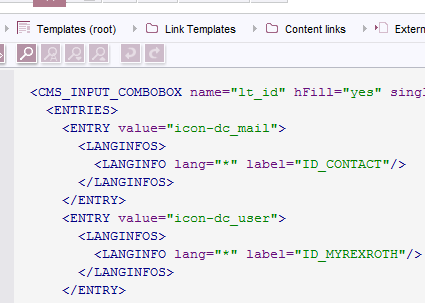
The requirement is to make it visible only in the Header GCA (UID :- gc_o_header)
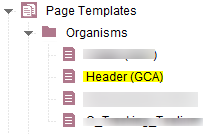
I have given the below rules to make it visible only in the Header GCA and to make it mandatory in the Header GCA.
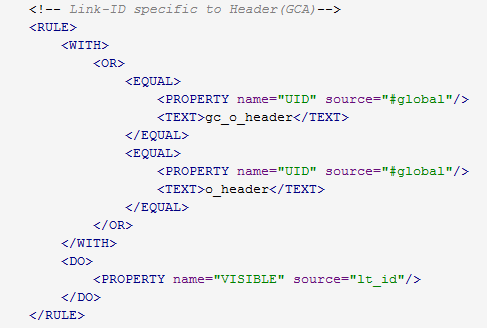
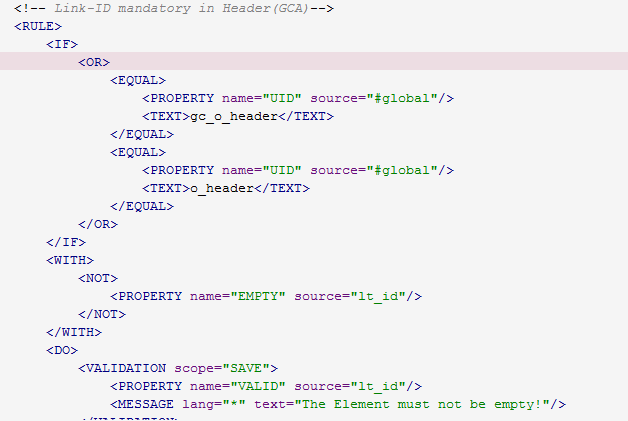
With these rules it (lt_id) is hiding in templates but it (lt_id) is getting visible in Data sources and Global Settings -->Project Settings
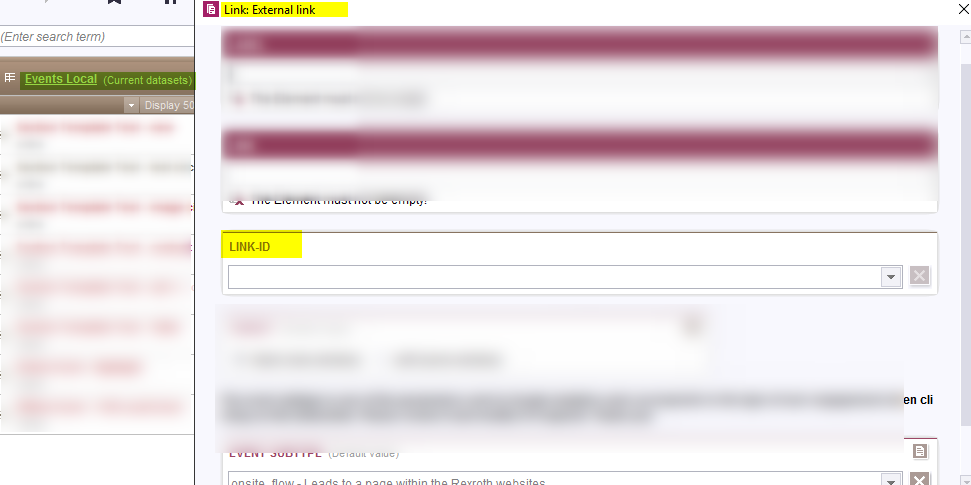
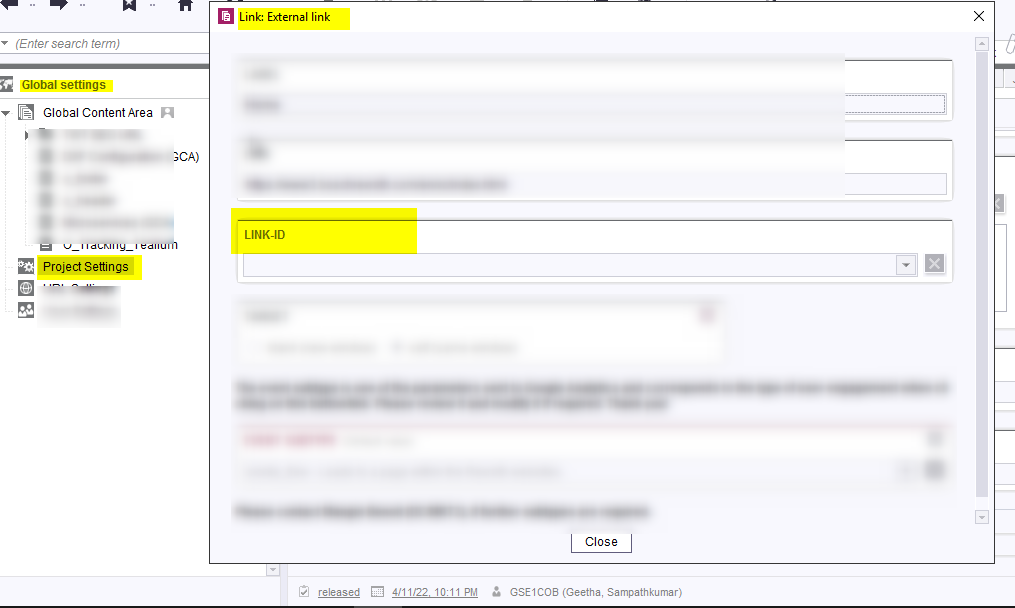
Please kindly let me know how to make the lt_id hide in all the templates (except Header GCA) , Data Source, and Projects Settings.
,
-
Author: hoebbel - 8/17/2022 9:37
Dear HKC1COB,
I would first use a rule that restricts the store to the globalstore
<RULE> <WITH> <AND> <EQUAL> <PROPERTY name="STORETYPE" source="#global"/> <TEXT>globalstore</TEXT> </EQUAL> </AND> </WITH> <DO> <PROPERTY name="VISIBLE" source="lt_id"/> </DO> </RULE>And if this isn't sufficient (because the link template can still be used on other global pages), then I would additionally restrict to the UID of the template.
Best regards
Holger0
Bitte melden Sie sich an, um einen Kommentar zu hinterlassen.
Kommentare
1 Kommentar