Workflow unlock

Author: Geetha
Publication Date: 8/13/2022 10:15
Dear Team,
Can you please support here.
Query 1 :
I am trying to unlock the page as well as the children pages under the folder . But the page is stuck with In workflow
I am attaching the screenshots below.
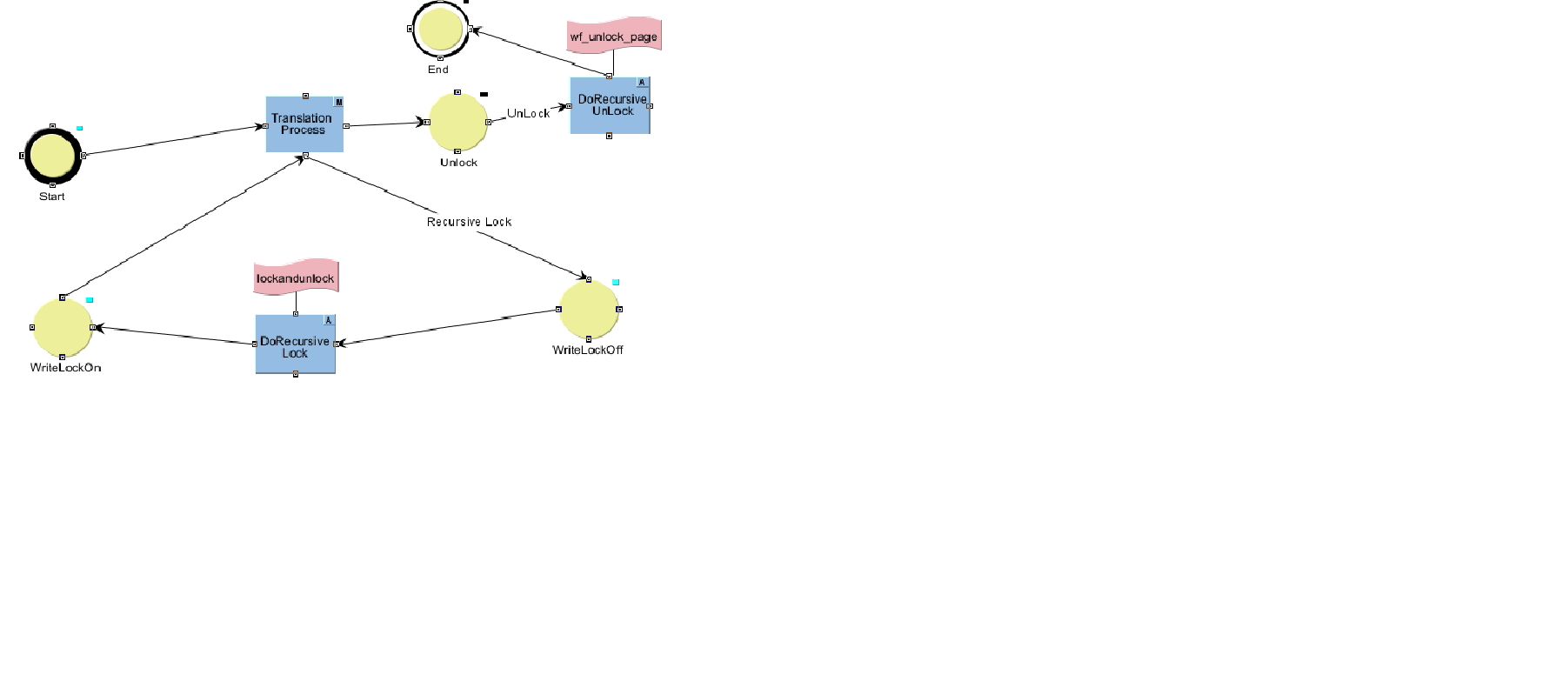
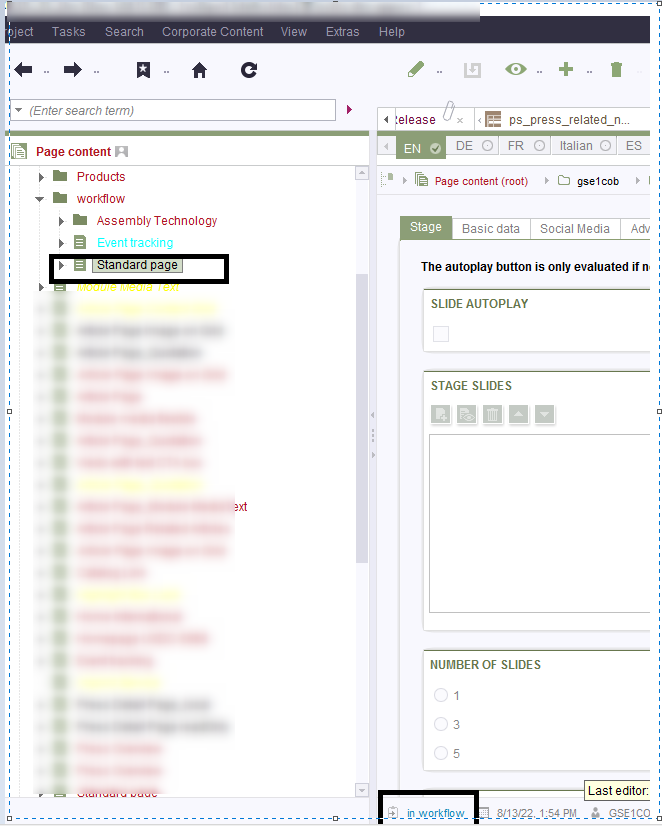
Code :
se = context.getElement();
List pages = se.getChildren(Page.class, true).toList();
for(Page page : pages) {
try {
if(page instanceof Page) {
// reset recursive lock
context.logInfo("writelock gelockt");
page.setColor(java.awt.Color.BLACK);
page.setWriteLock(false);
page.setLock(false);
}
} catch (Exception e) {
context.logError(log + " Error: ",e);
e.printStackTrace();
}
}
se.setLock(false);
// non recursive lock, normal state during workflow
se.setLock(true, false);
//context.doTransition("End");
Anything wrong here . please support.Thank you!
Query 2 :
When iam trying to Edit a locked page the Message is pop up "Information
The object with ID... is marked in the workflow "read only". Editing is therefore not possible!" instead of "read only "
i need to modify as "Translation in progress" . Is it possible to override the default message ?
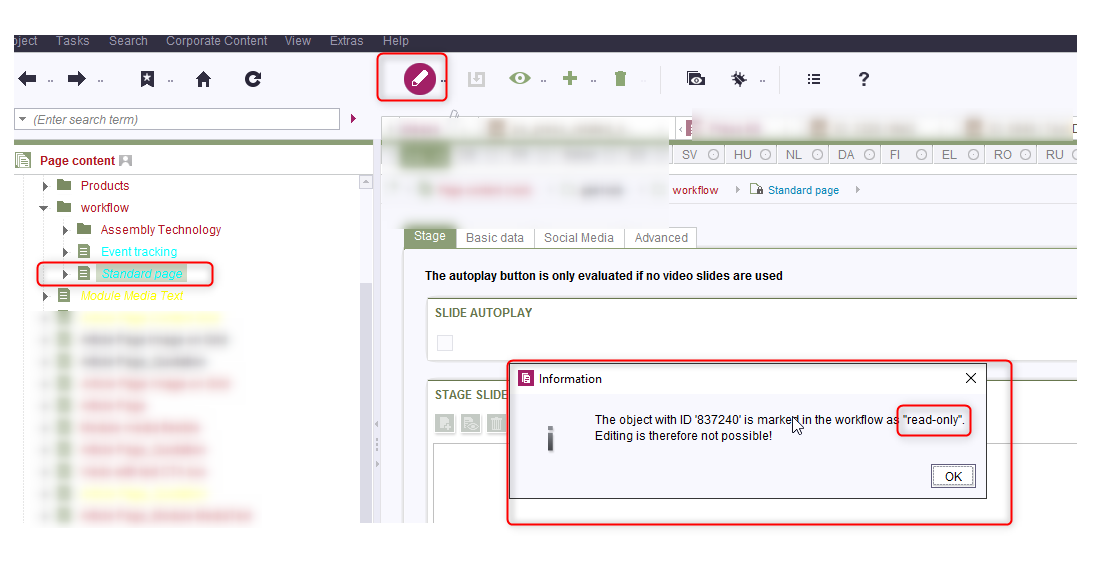
Please support.Thank you in advance!
Tags: @hoe
-
Author: hoebbel - 8/17/2022 10:10
Dear Geetha,
I'm sorry, but I'm not sure I understand what the problem is here.
In the code I notice that you don't save the node after removing the write protection, so something like:
page.setWriteLock(false); page.setLock(true); //you cannot lock a page with active write lock page.save("write lock removed"); page.setLock(false);If you don't save the page, the writeLock will only be inactive within the current session. Maybe this is the cause of the problem you have?
And to query 2 - afaik default messages cannot be overwritten.
Best regards
Holger0
Bitte melden Sie sich an, um einen Kommentar zu hinterlassen.
Kommentare
1 Kommentar